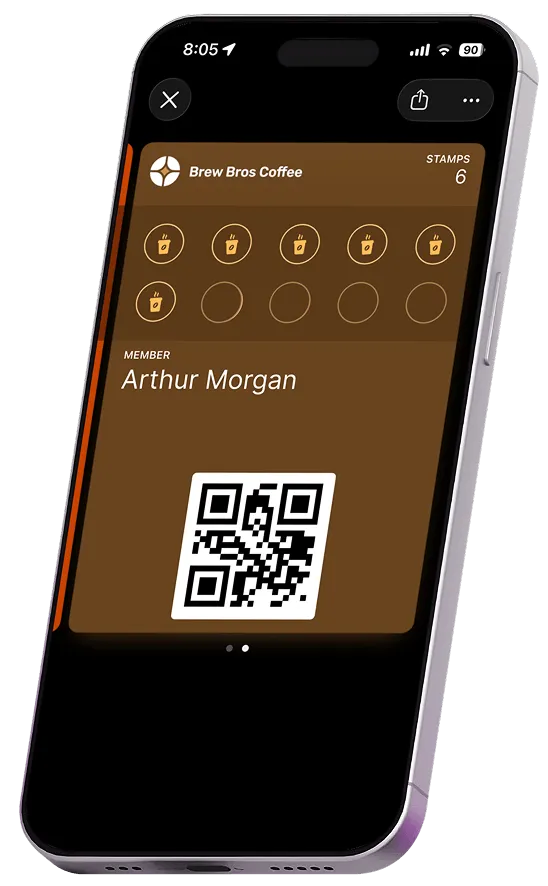
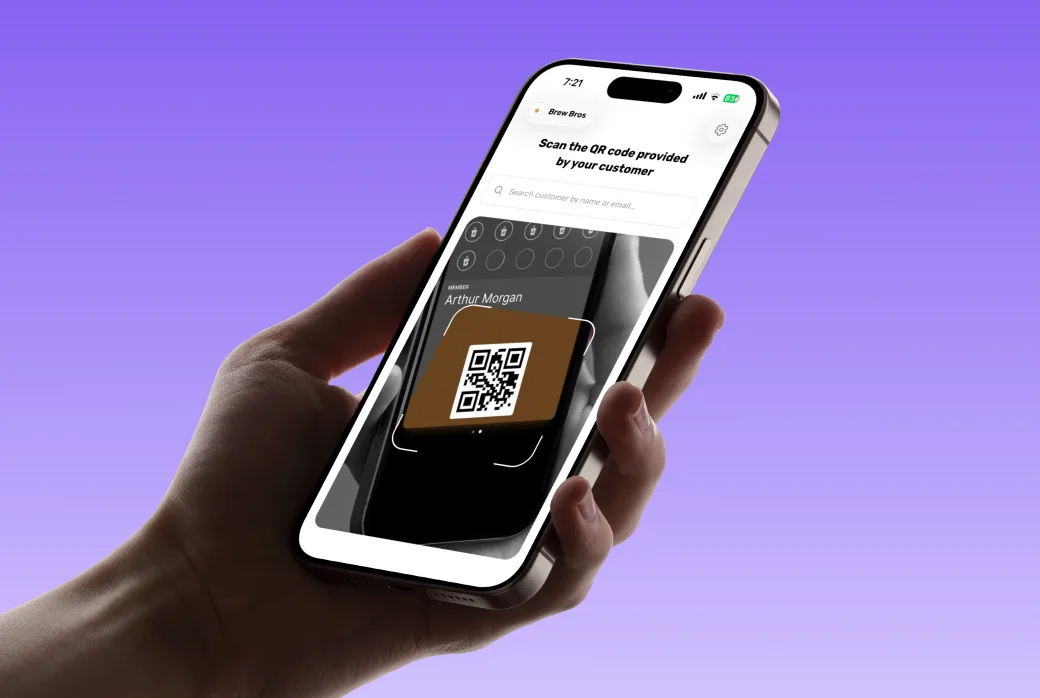
Stamperly swaps paper stamp cards for digital loyalty passes that sit in Apple & Google Wallet. Launch in minutes, no app to build, nothing for customers to download.
No app download · Works on 95% of phones · Live in 5 minutes
From sign-up to your first stamp, the whole thing fits in a coffee break.
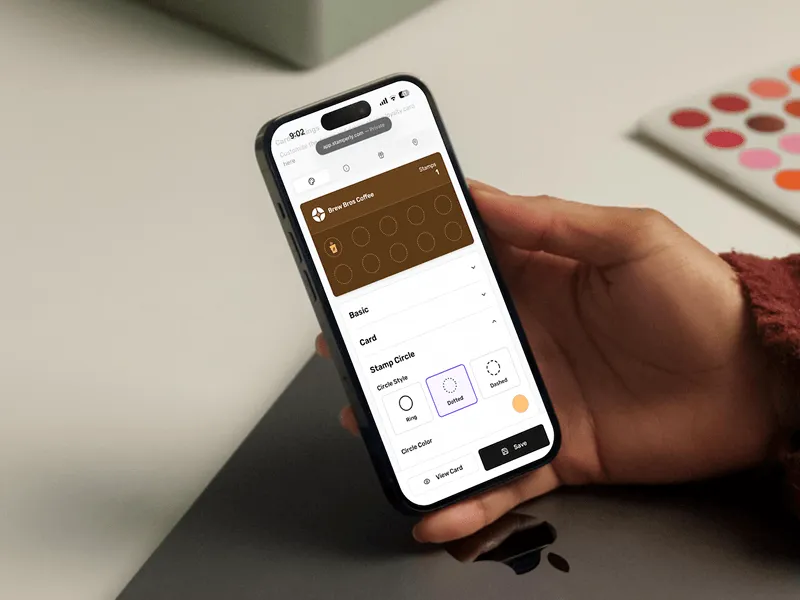
Build a branded loyalty card in minutes. Pick the reward, set how many stamps it takes, and drop in your logo and colors. No designer required.
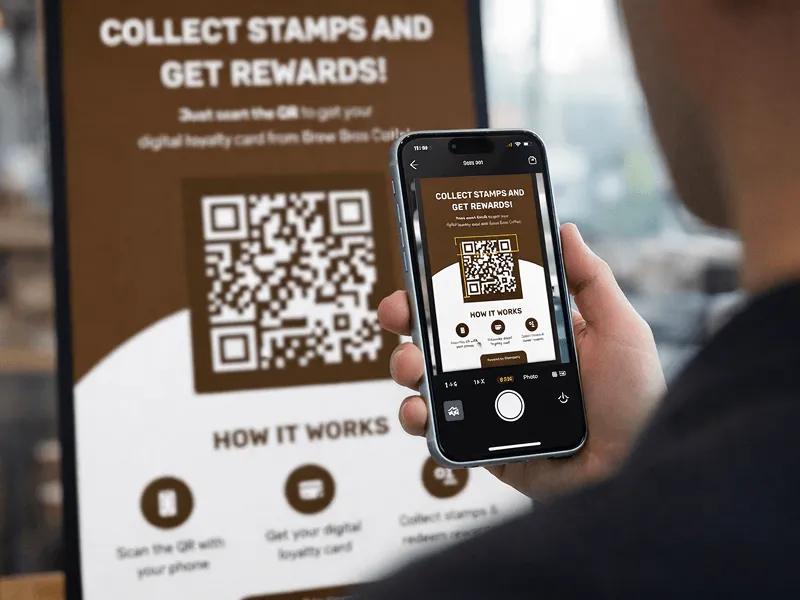
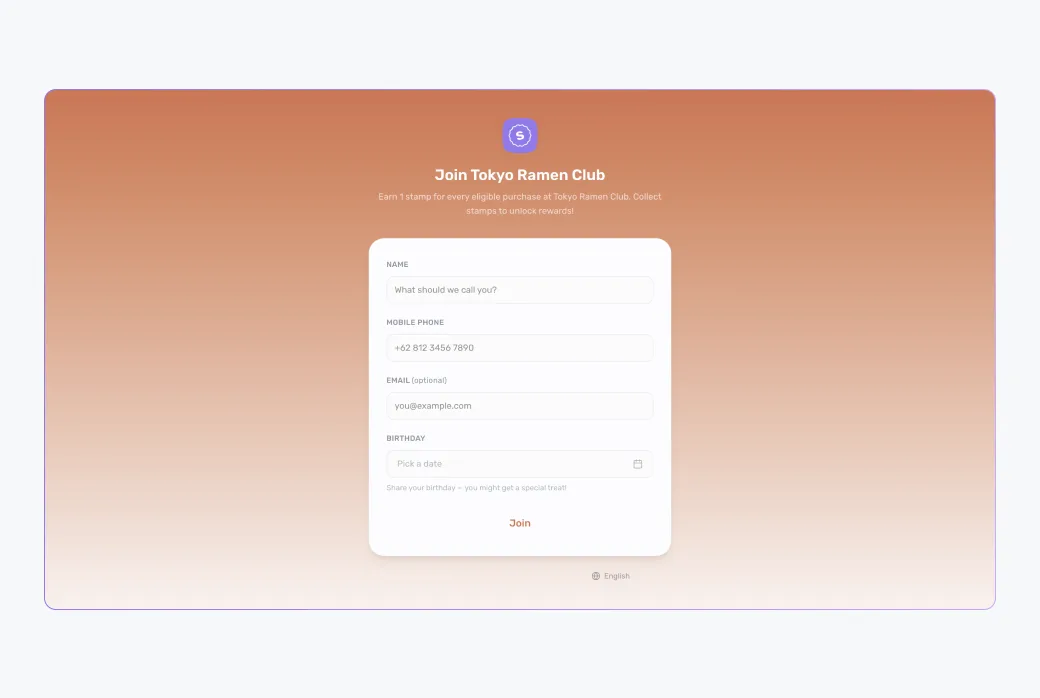
Print it for the counter, add it to receipts, or post it online. One scan adds your card to a customer's wallet. No app, no sign-up friction.
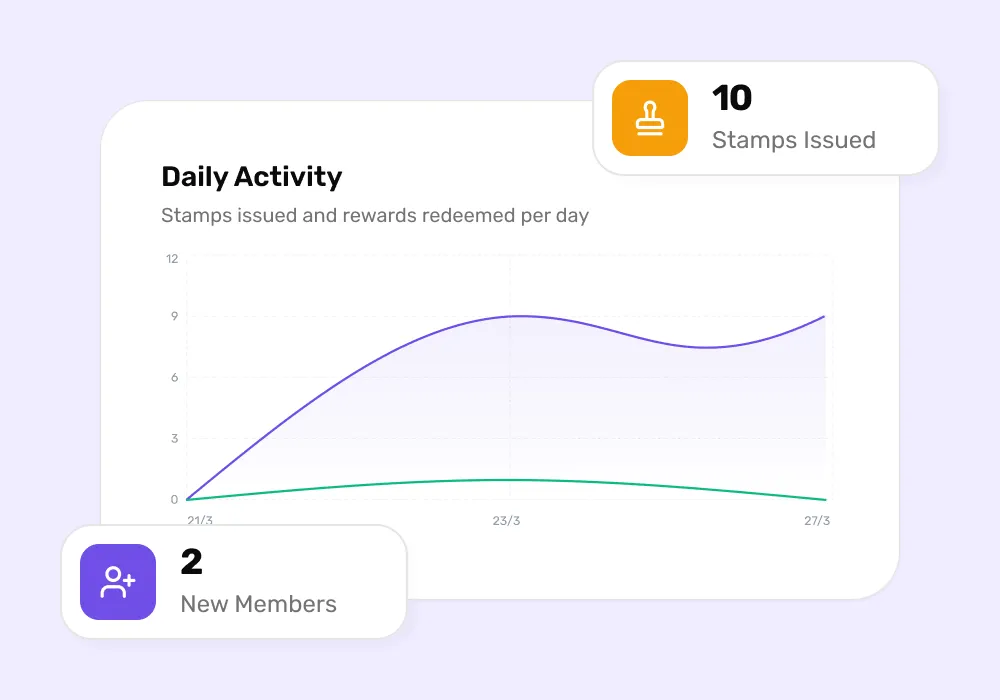
Scan a customer's pass to add a stamp. Rewards unlock on their phone automatically, and every visit feeds a live dashboard of who keeps coming back.
The experience is so simple there's nothing to explain at the counter.
They point their phone camera at your code. It opens instantly in the browser, and there's nothing to install.
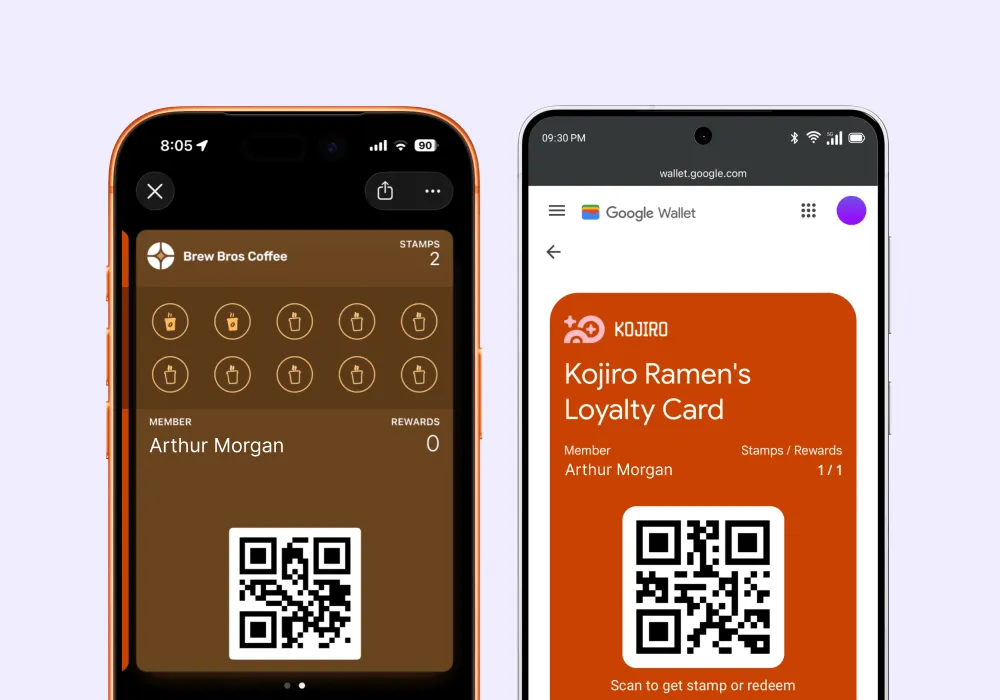
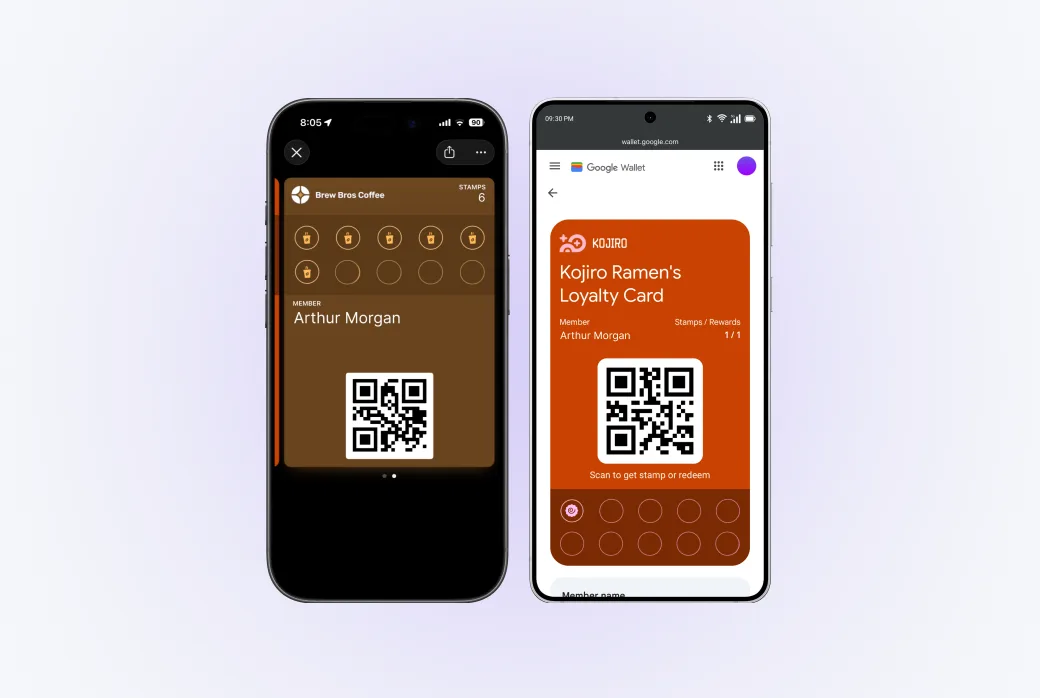
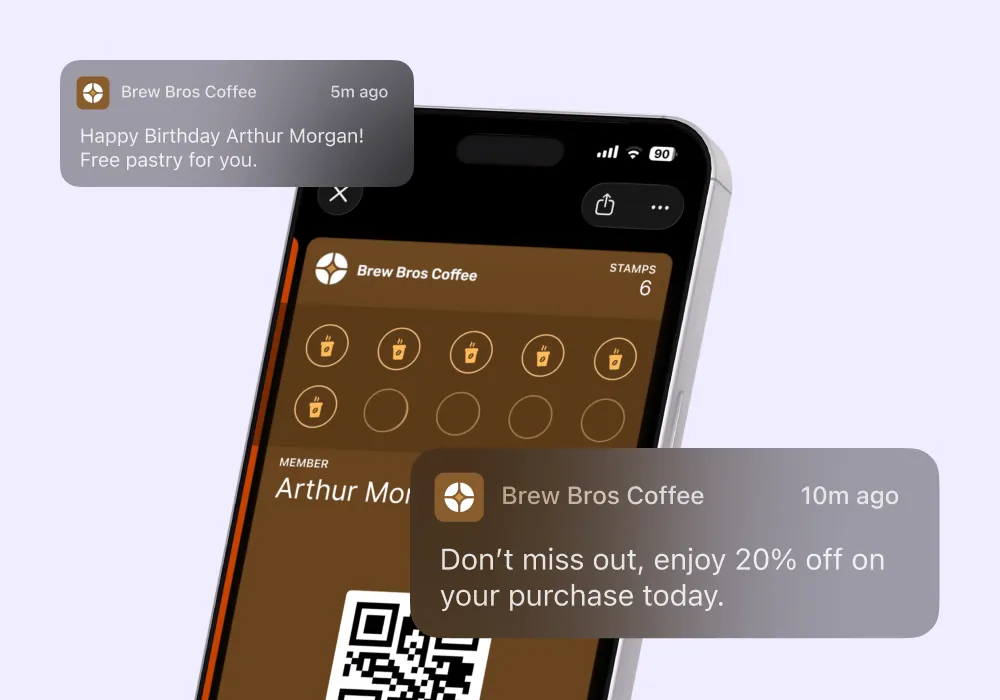
The card saves straight to Apple Wallet or Google Wallet. Always on the lock screen, never crumpled in a drawer.
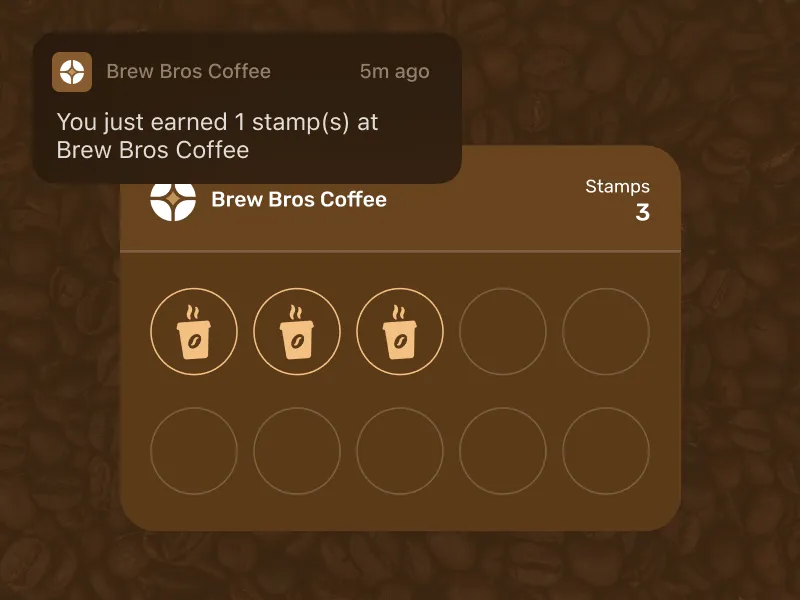
Every visit earns a stamp. When the card fills up, the reward unlocks on the spot and updates in real time on their phone.
No add-ons, no upsells. These come with every plan.
Branded stamp cards in Apple & Google Wallet. Set up in minutes, impossible to lose.
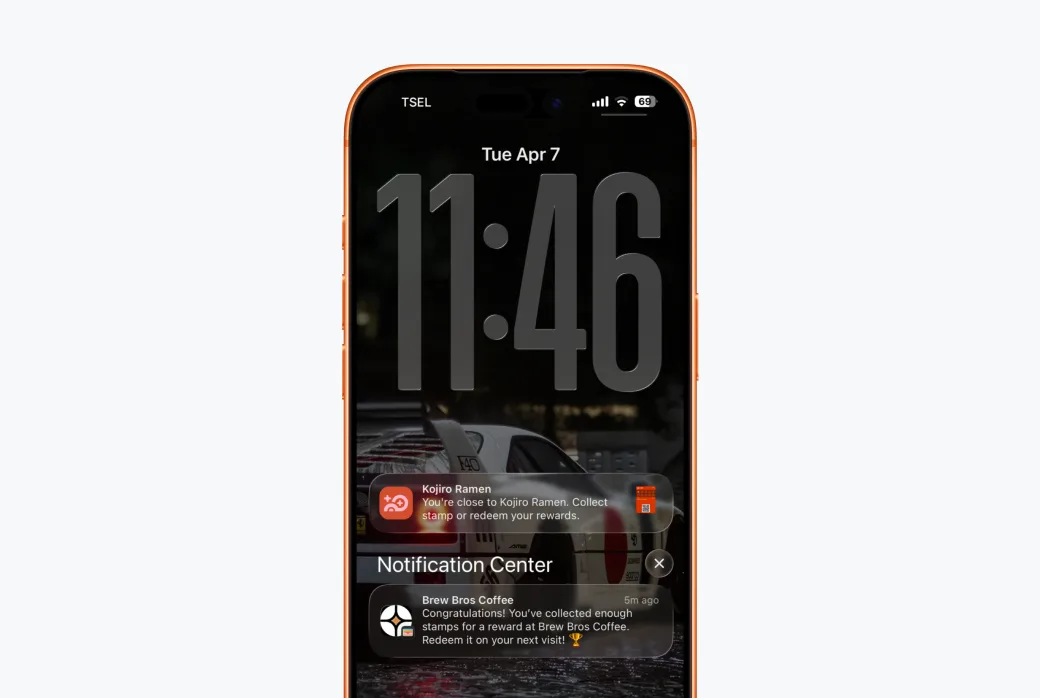
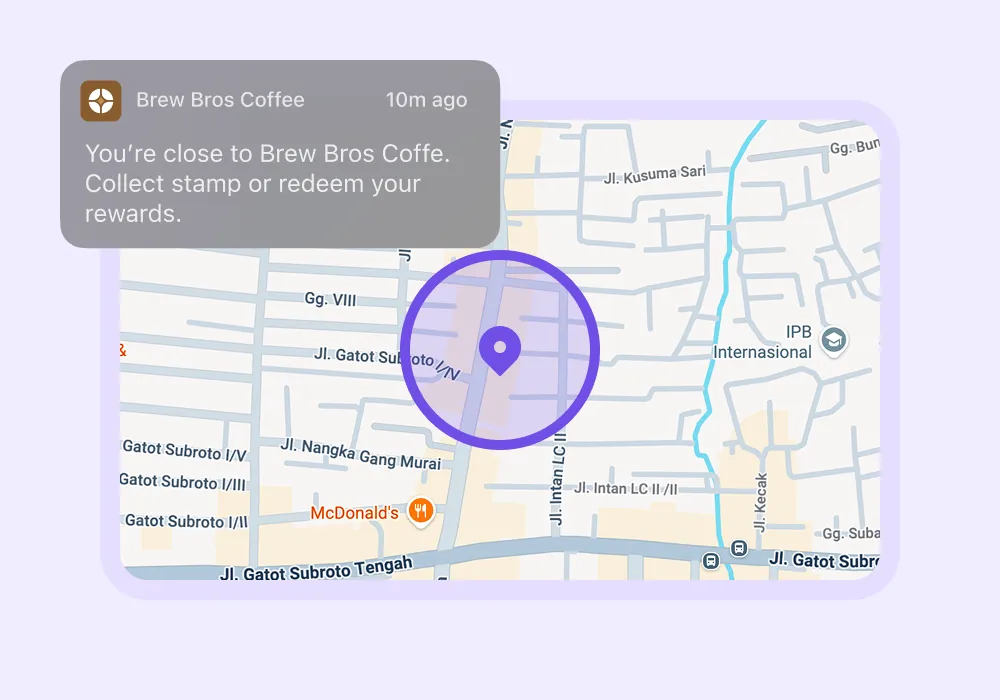
Automatic pings when customers are near your store, or near a competitor.
Send a promo to every customer's wallet in one tap, or only to the ones you pick.
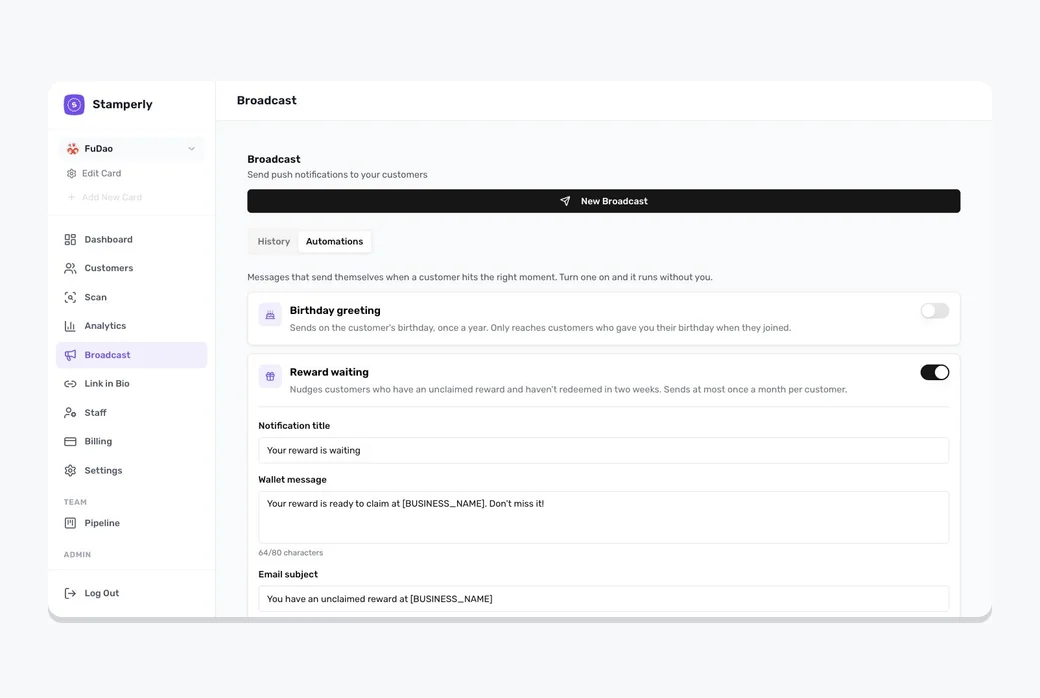
Birthday greetings and reward reminders that run on their own, in your words.
See who's coming back, who's at risk of leaving, and which rewards work best.
Simple app for cashiers: scan QR, see the customer, give stamps, redeem rewards.
Everything a paper punch card can't do, Stamperly does automatically.
No. The card goes straight into Apple Wallet or Google Wallet, already on their phone. There's nothing to install.
Launch your first digital loyalty card in under five minutes. Free forever, no credit card required.
Free forever · No credit card required