HomeFeaturesPoints Loyalty

Points Loyalty

Points loyalty for rewards worth saving up for

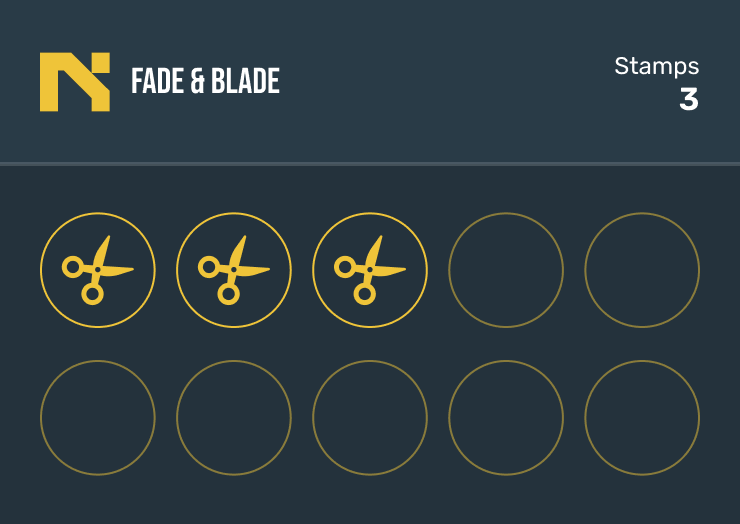
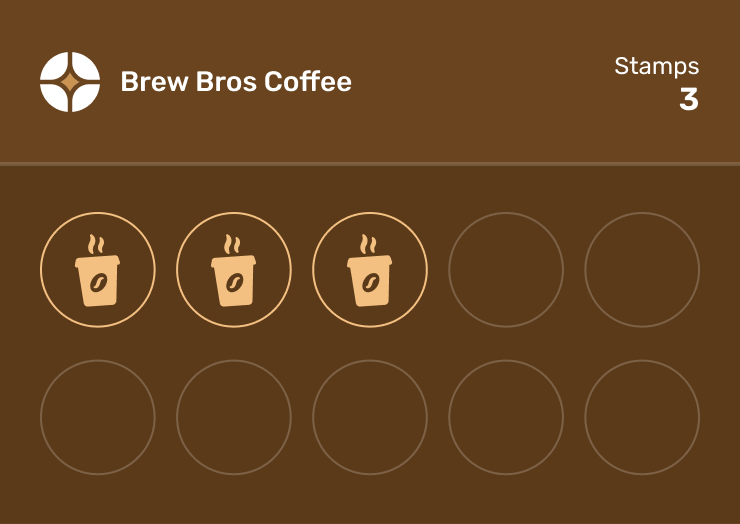
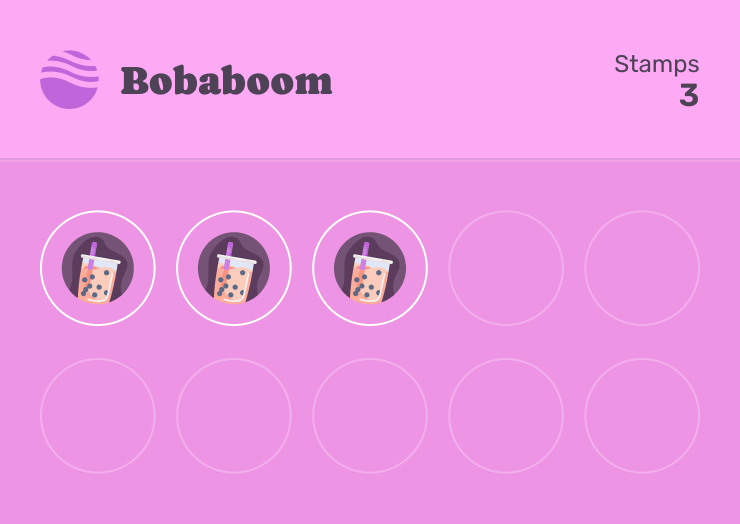
A stamp grid stops at a handful of visits, so a tumbler at 70 visits never fit on a card. Points give your card a running balance with several reward tiers, Starbucks-style, and your customers still download nothing.

01

A balance, not a grid

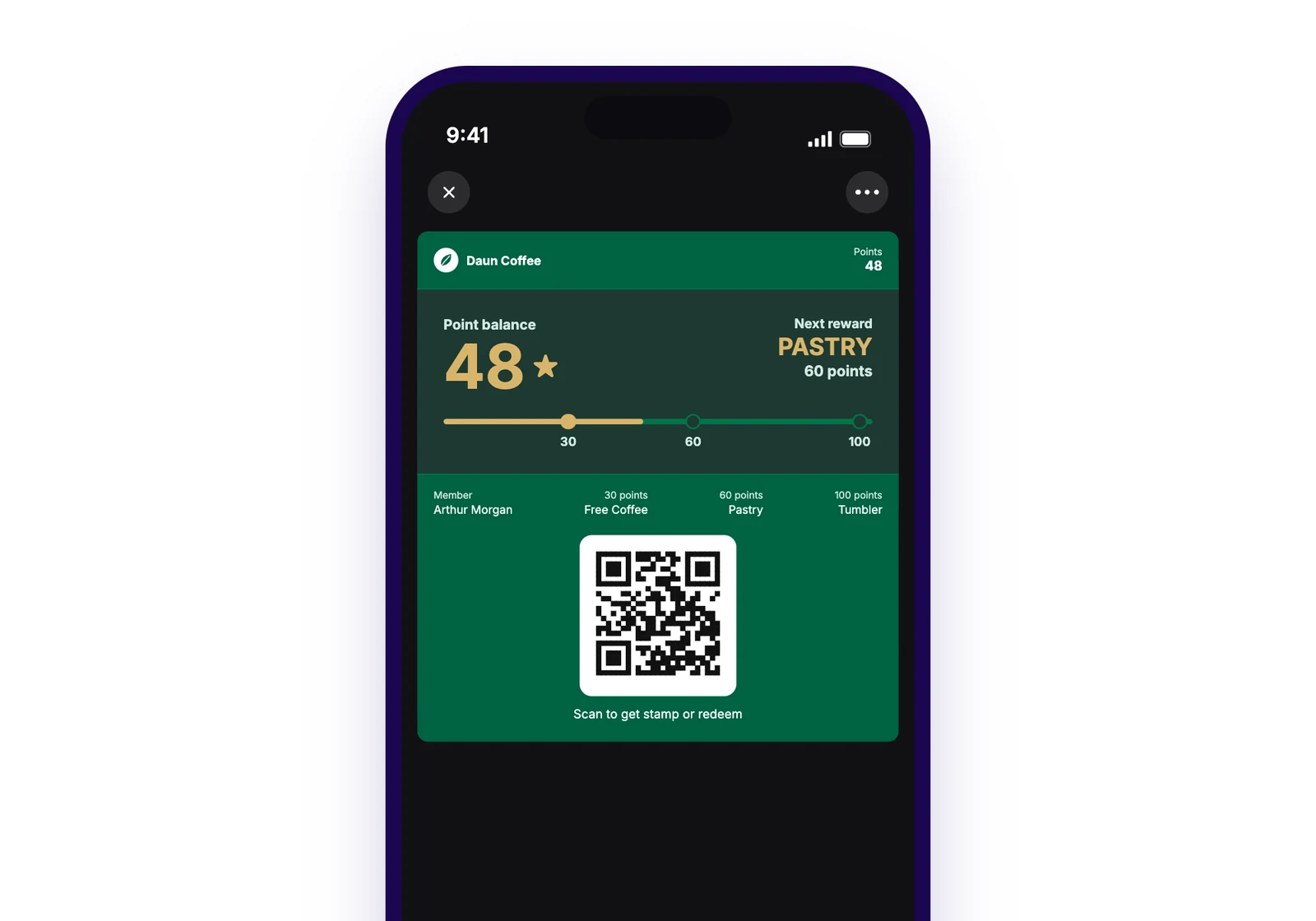
Customers see their points right in the wallet pass header, with a number strip that shows how far they are from the next reward. No more squeezing 70 tiny circles onto a card: the balance just keeps counting up.

  • Points shown in the pass header, updated live

  • Number strip marks every reward tier

  • No cap unless you want one
Screenshot of the wallet pass front on an iPhone: business logo, "Points 48" in the header, and the number strip below showing tiers at 30, 60 and 100 with the customer's position marked.

02

Several rewards, one card

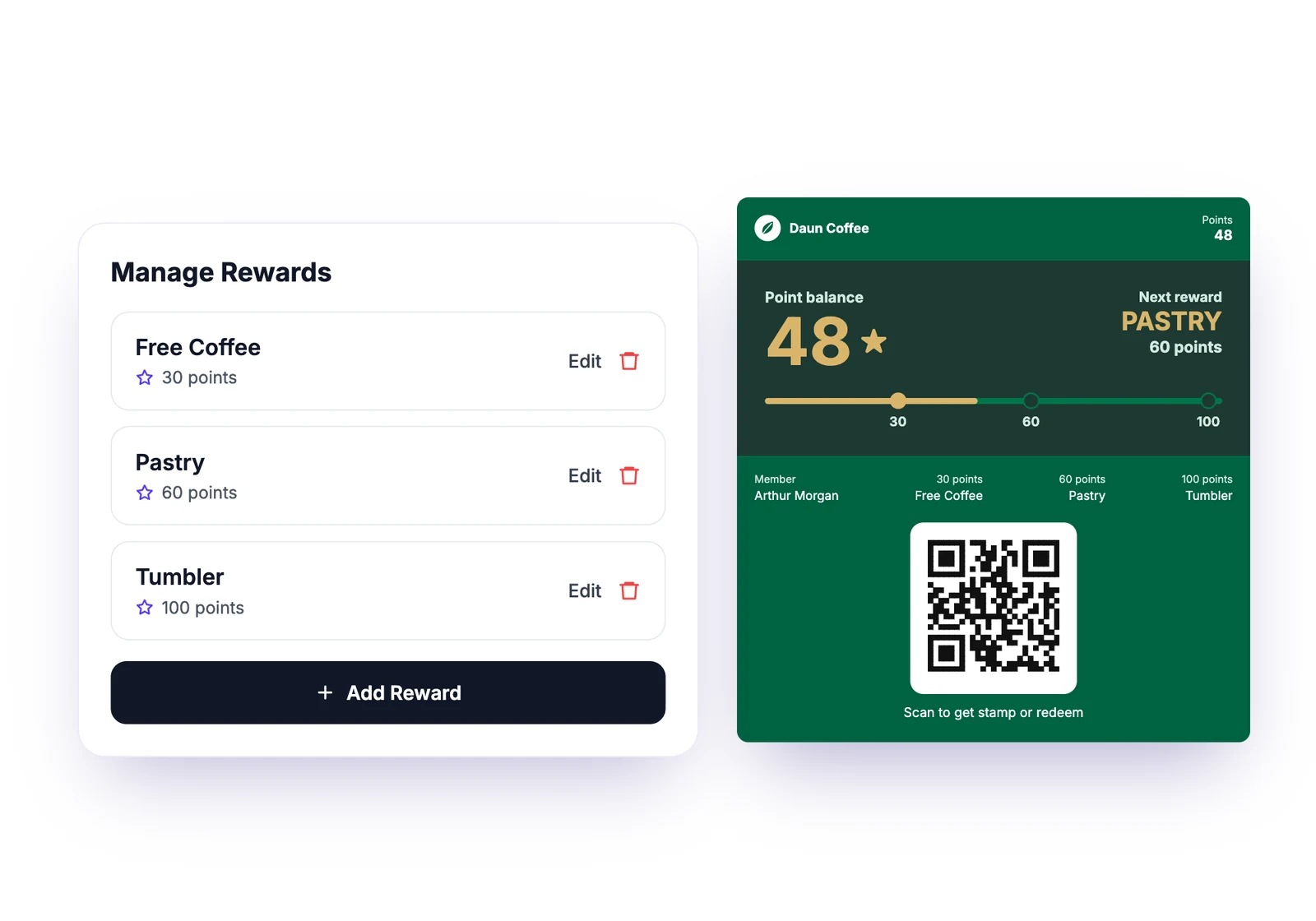
Set up tiers the way a coffee chain does: a free drink at 30 points, a pastry at 60, a tumbler at 100. Redeeming deducts the cost and the balance keeps going, so regulars always have something to aim for.

  • Add as many reward tiers as you like

  • Redeem deducts points, never resets the card

  • Customers see every tier and its cost on their card

Screenshot of the dashboard reward list for a points card: three rewards with their point costs (Free coffee 30, Pastry 60, Tumbler 100) and a short name for each.

03

Earn per visit or per amount spent

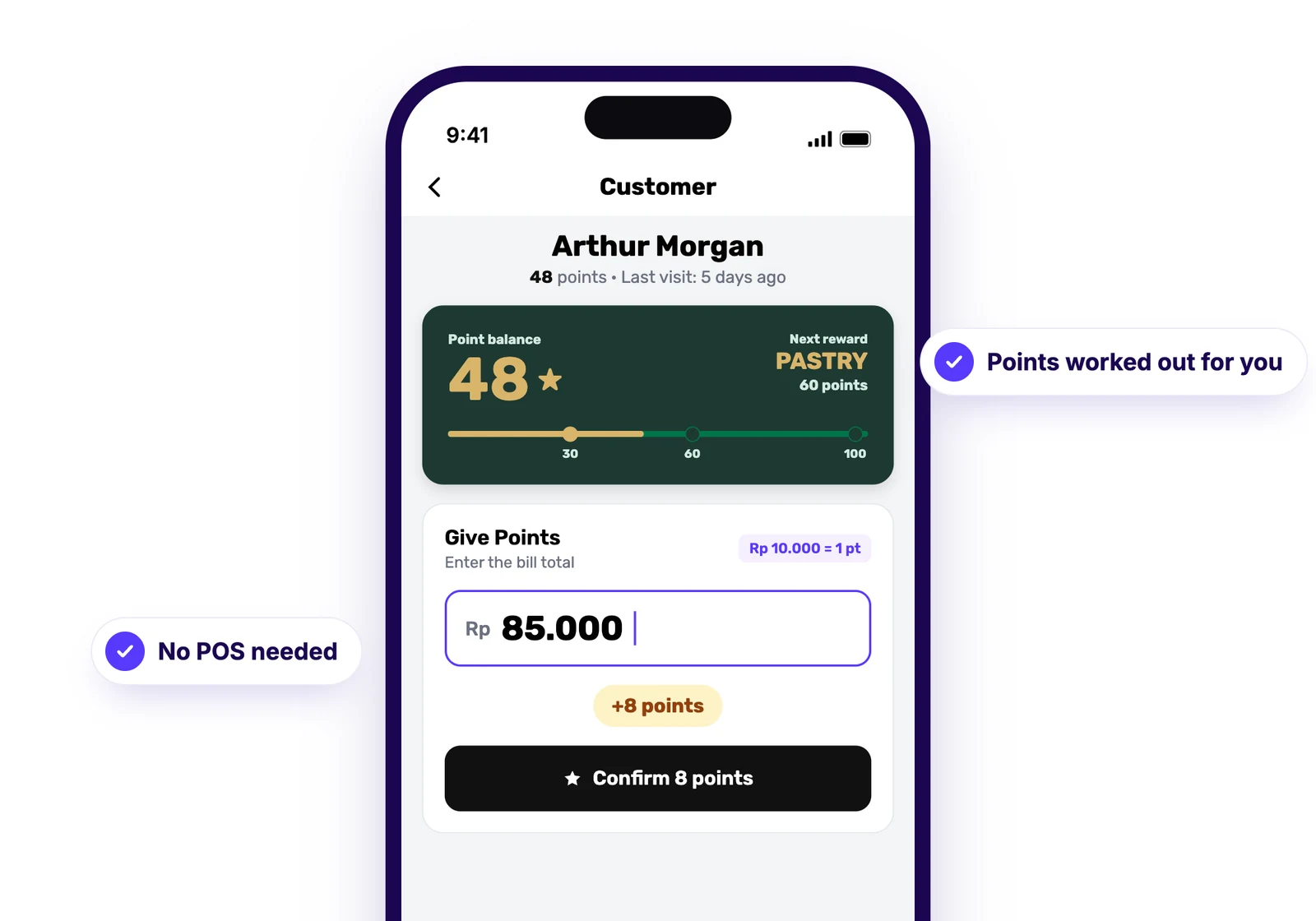
Keep it simple with one tap per visit, or set a rate like Rp 10,000 = 1 point. In amount mode your staff enter the bill total and the app shows the points before they confirm. No POS integration, nothing to connect.

  • Per-visit: one tap adds the points you set

  • Per-amount: staff type the bill, points are calculated

  • Works on the web scanner and the Stamperly Business app

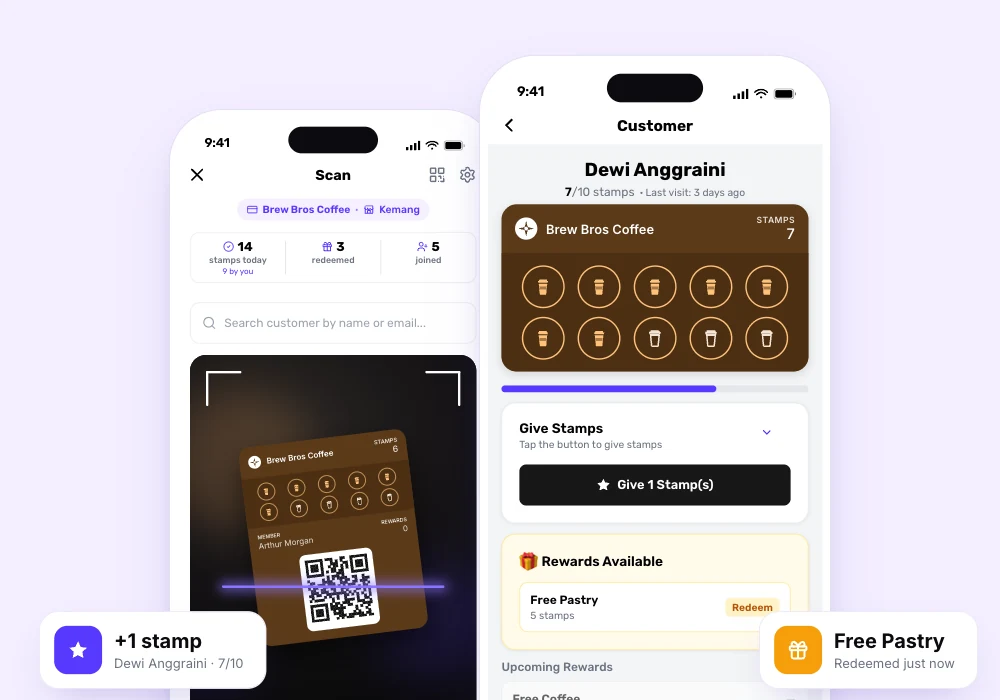
Screenshot of the staff scan screen in amount mode: a scanned customer, an amount field with Rp 85,000 typed in, and "+8 points" shown above the confirm button.

04

Switch any card, keep every customer

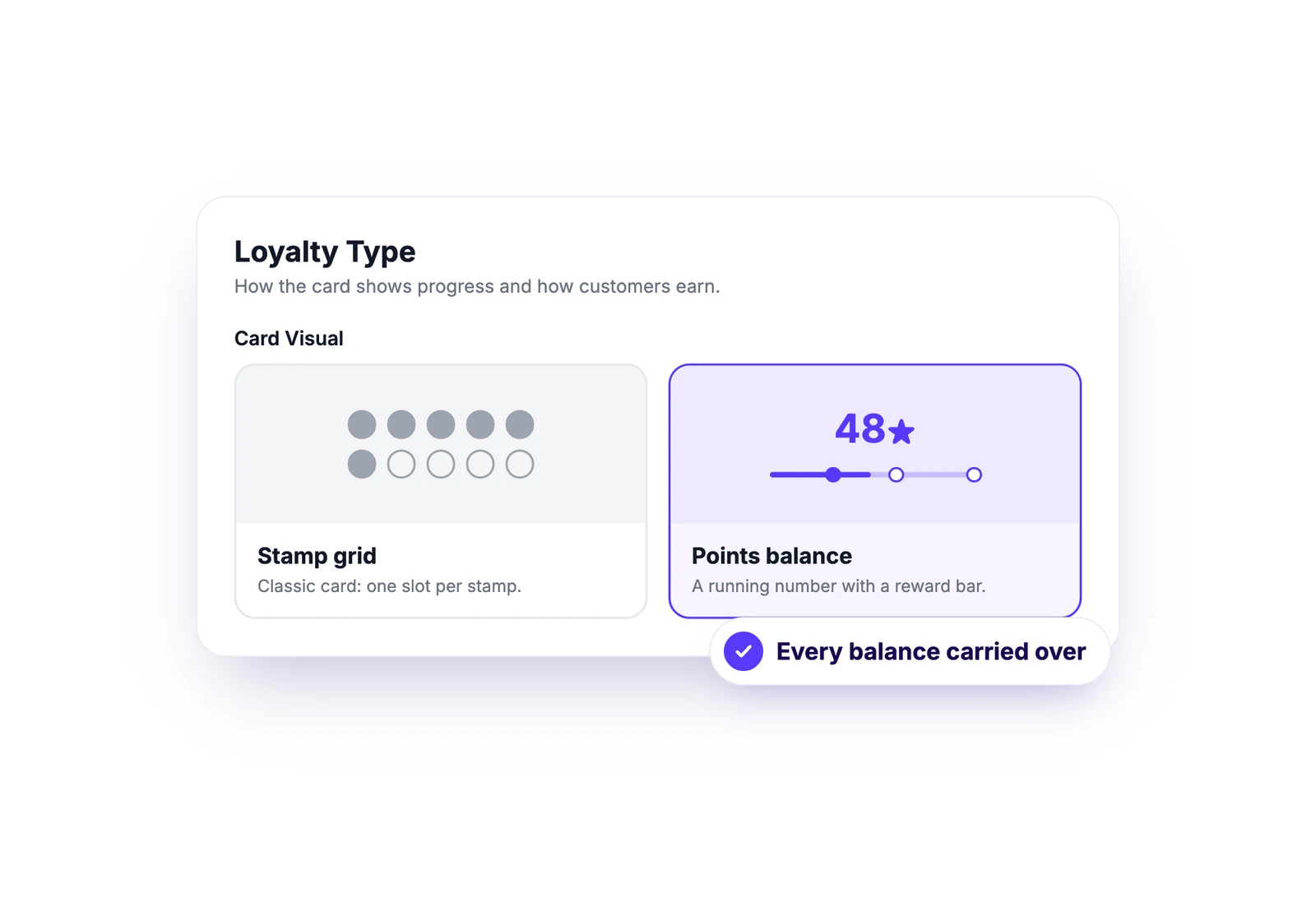
Already running a stamp card? Flip it to points in Customize Card. Every member keeps their balance and their installed pass updates on its own. You can switch back just as easily.

  • Toggle between stamps and points per card

  • Balances carry over both ways

  • Free on every plan

Screenshot of the Card Visual toggle in Customize Card: two options, Stamps (grid preview) and Points (number strip preview), with Points selected.

Explore other features

Give your regulars something to save up for

Points loyalty is free on every plan. Set it up in minutes.

No credit card required