What you need
Just an email address. The Free plan doesn't require a credit card, and you can upgrade later whenever your program grows, see pricing for what each plan includes.
Sign up
1
Open the signup page
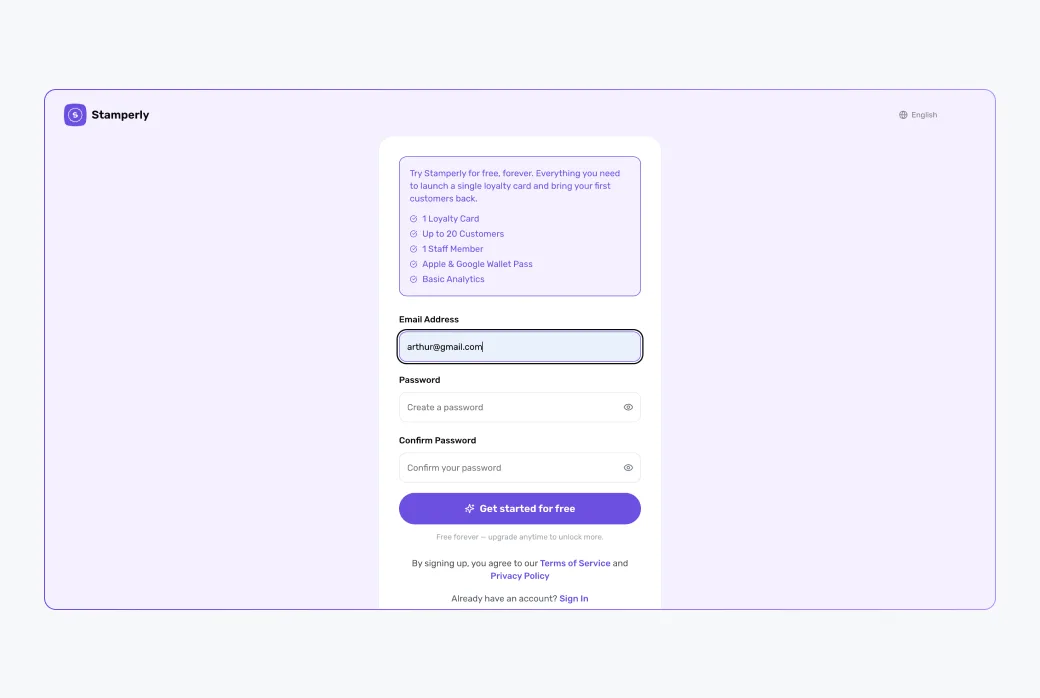
Go to app.stamperly.com/signup and enter your email and a password (at least 8 characters).
2
Confirm your email
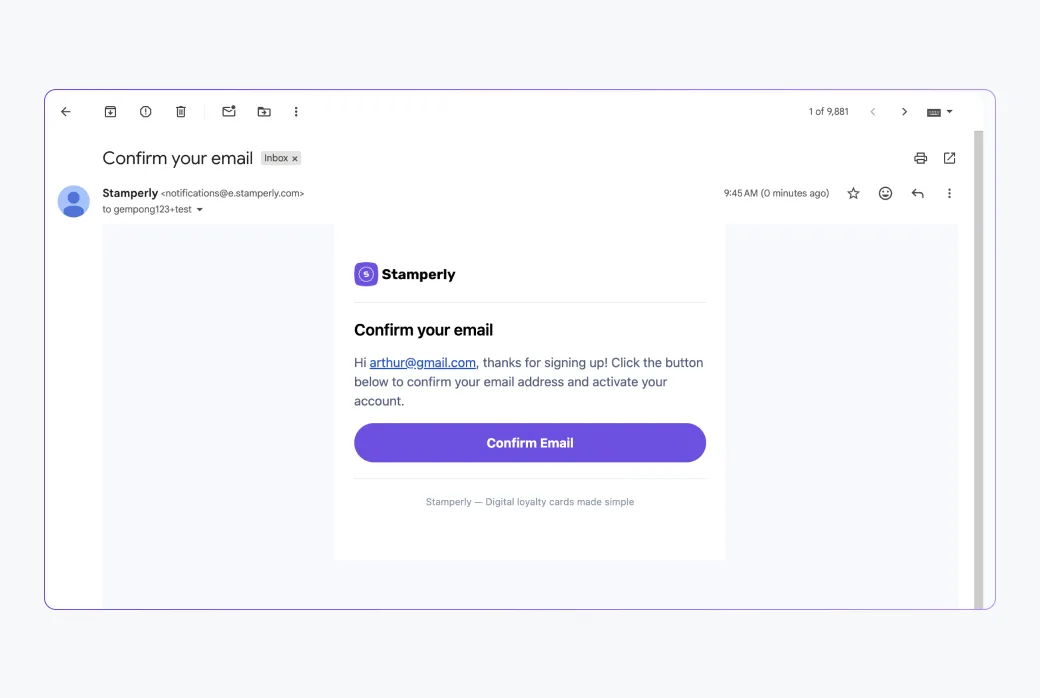
We send a confirmation link to your inbox. Click it to activate your account. If you don't see it within a minute or two, check your spam folder.
Your first look at the dashboard
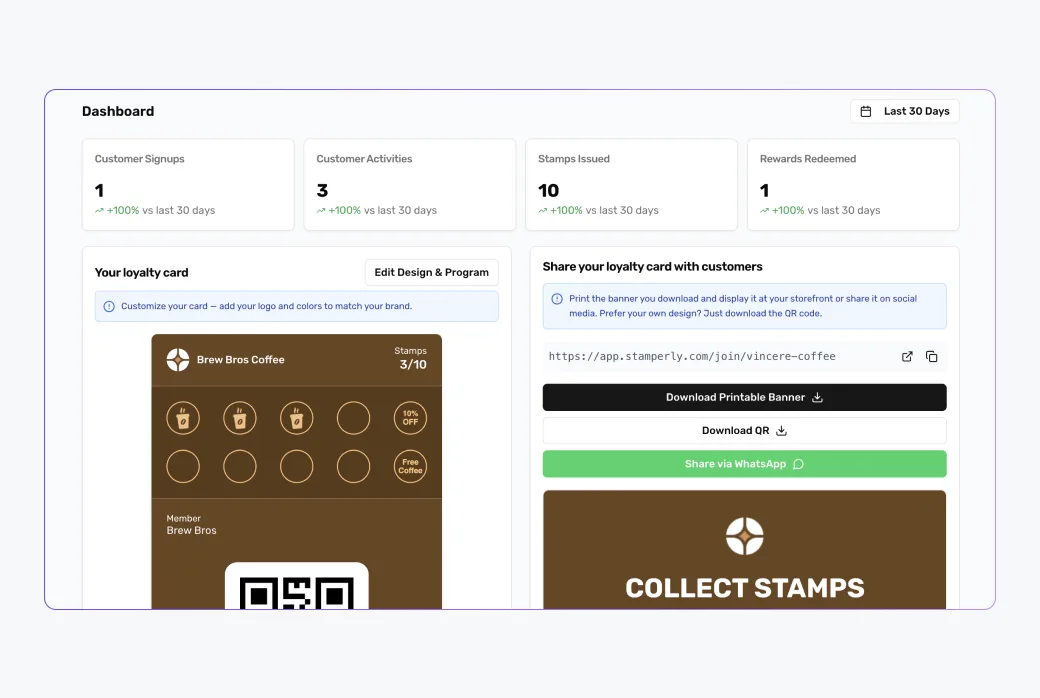
After confirming, log in at app.stamperly.com. The dashboard is where everything happens: creating cards, giving stamps, viewing customers, and checking analytics. Since you don't have a card yet, the next step is creating one.
Your login is the owner account. Later you can add separate staff logins for your team, so you never have to share this password.